Alumni Records After a School Closes
A hub for alumni of closed schools covering transcript requests, archive locations, yearbook preservation, reunion planning and classmate searches.
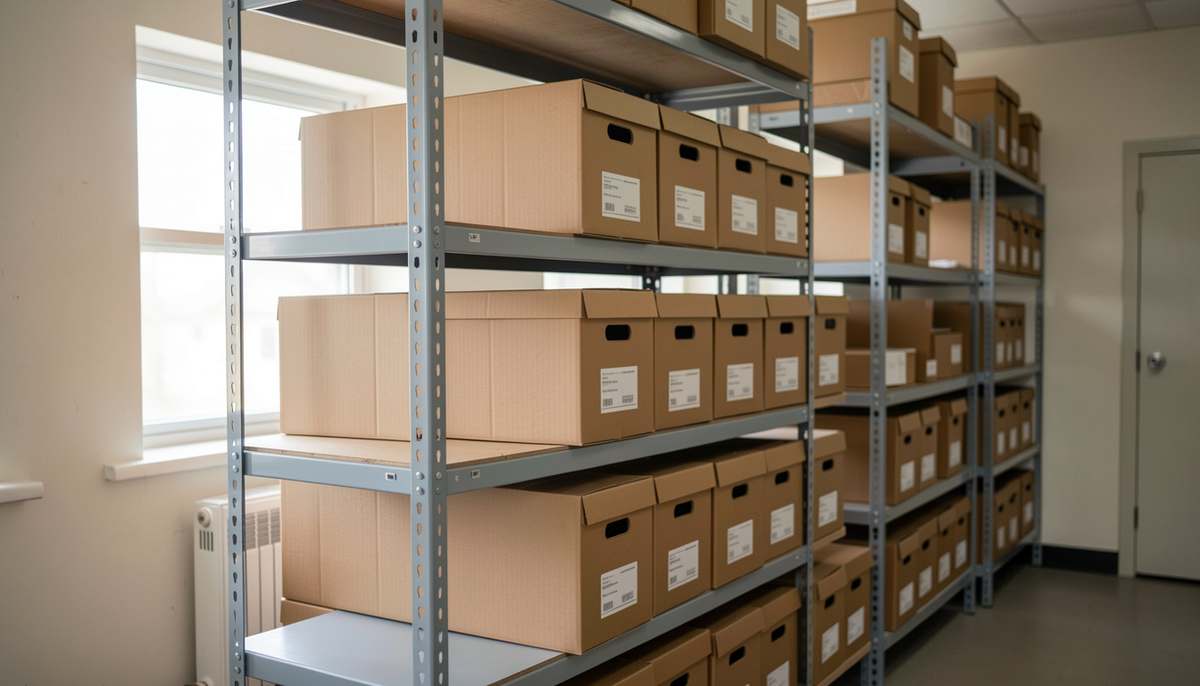
If your high school closed, you can still pin down its district, its address history, and its enrollment profile before you chase paperwork. You will learn how the federal school directory organizes public and private school facts, how to check a name or a contact, and how to keep reunion research tied to real places.
Why old classmates lose track of a closed building
You remember the mascot and the street, but the district name on your diploma looks unfamiliar after ten or twenty years. Boundaries shift, names change in daily use, and friends scatter across states, so two people can remember the same school under two different labels. The directory approach helps you because it starts with stable identifiers rather than memory. The general descriptive information in the federal collection includes name, address, phone number, and type of locale, which lets you confirm that you are all talking about the same campus. When you write that confirmed name and address at the top of your planning notes, later searches stay consistent and you avoid mixing two schools with similar names.
What does the federal directory actually keep on each school?
The Department of Education keeps its primary database on public elementary and secondary education through the Common Core of Data. The surveys run each year and cover all public elementary and secondary schools, all local education agencies, and all state education agencies throughout the United States. The collection holds three groups of facts. General descriptive facts name the place and locate it. Student and staff facts record selected demographic characteristics. Fiscal facts cover revenues and current expenditures. A separate Private School Survey produces similar facts for private schools. A private school in that definition is not supported primarily by public funds, provides classroom instruction for one or more of grades K through 12 or comparable ungraded levels, and has one or more teachers. Organizations that support home schooling without offering classroom instruction for students are not included. Ratios such as pupil-teacher ratios or per-pupil finance items are calculated from values reported inside the same survey file, which keeps comparisons consistent.
How does QuickFacts help you confirm a name?
QuickFacts lets you look at single data elements for a state, a district or a school without building a full file. You can view characteristic and financial data, view contact information, chart and print what you see, and move to express tables for further analysis. For alumni work, the contact view matters most because it anchors a memory to an official entry. You type the name you remember, you check the address and phone entry, and you note the district listed beside it. That contact habit also feeds a career day guest list, where confirmed names and addresses matter more than memory. The ELSI page does not publish transcript request forms or class contact lists. Totals on those screens are column totals of the items listed on the screen, and averages follow strict rules that shape what you read next.
How do express tables sort out neighboring schools?
Express tables show commonly used tables at the state, county, district and school levels, and you can refine the view, sort a column with a single click, chart each row of data, and print and export a table for your files. That county and district view is useful when a town had two high schools or when a closure sent students to a nearby campus. You can pull the district directory and the school directory side by side, then keep the printout with your reunion folder. The links inside the elementary and secondary data system point you toward recent directory files such as 2024-25 public state level data, the 2024-25 public school district directory, the 2024-25 public school directory, enrollment by grade and enrollment by race and ethnicity, plus 2019-20 private school directory files and state and district fiscal files. You do not need every file, only the directory line that proves the identity of the school you mean.
How do you build a table that matches your class years?
The table generator lets you create custom tables for a state, a district or a school when the preset views do not match your question. You choose row variables and column variables and you add filters to refine the data included in the tables you produce. Inside the work area you can filter columns, chart and compare institutions, drag and drop, sort and remove columns, and export a table for later use. The tool relies on frequently requested variables to produce tables, which keeps the menus short enough to use in an evening. For a reunion committee, that means you can narrow a state file to one district, keep only enrollment or directory columns, and save a one-page sheet that everyone can read. You still need to confirm dates from your own yearbooks and invitations, because the directory describes schools and agencies rather than class lists. A committee that keeps that sheet can also staff an alumni work day on the school grounds, where the volunteer roster from one event serves the next.
What do those averages hide for reunion work?
Averages on the screen look plain, but they carry limits that matter when you compare districts. The state averages shown in QuickFacts are the averages of all districts reporting that item, so a district that did not report does not change the figure. The national averages shown are for the fifty states and the District of Columbia that reported that item, while United States territories, Department of Defense Dependents Schools and Bureau of Indian Education schools are excluded from those averages. For money questions, state-level per-pupil expenditures are calculated from expenditure and enrollment data as reported on the state finance survey, not from aggregates of lower-level data. District-level per-pupil expenditures use enrollment as reported on the district-level finance survey, not enrollment from the non-fiscal district survey. That method keeps each level internally consistent, and it explains why a number copied from one table does not always match a number summed by hand from another.
How do you keep the class list tied to a real place?
Reunion work drifts when every volunteer uses a different school name in messages and spreadsheets. You can prevent that drift by locking one official entry early and sharing it with the group. Save the full name, the district name, the locale type, and the contact line you found, then use that wording on every sign-up form and invitation draft. For steps after you identify the district, the closed school records guide walks through the paper trail in more detail. For outreach and meeting logistics, the classmate search and venue steps show how planners sequence the search and the booking. Keep the directory printout with attendance counts and yearbook notes, so new volunteers inherit facts rather than guesses. The same contact list carries the game night for reunion weekend, where printed rule cards and a named host per table keep the second evening moving.
Elementary and Secondary Information System: NCES web application that lets users view public and private school data and create custom tables and charts from the Common Core of Data and the Private School Survey.
It holds annual public school directory and enrollment data, private school directory data, fiscal data on revenues and expenditures, plus QuickFacts, express tables, and a table generator with filters, sorting, charting, printing, and export. Start with the directory entry, save the contact and enrollment notes, then bring that sheet to your next planning call.